







A hiker with trekking poles climbing a mountain trail

Discover Our App

Your JAECOO, in your pocket. Check your vehicle, plan your journeys and stay connected — wherever you are.

JAECOO J5 parked beside a mountain lake
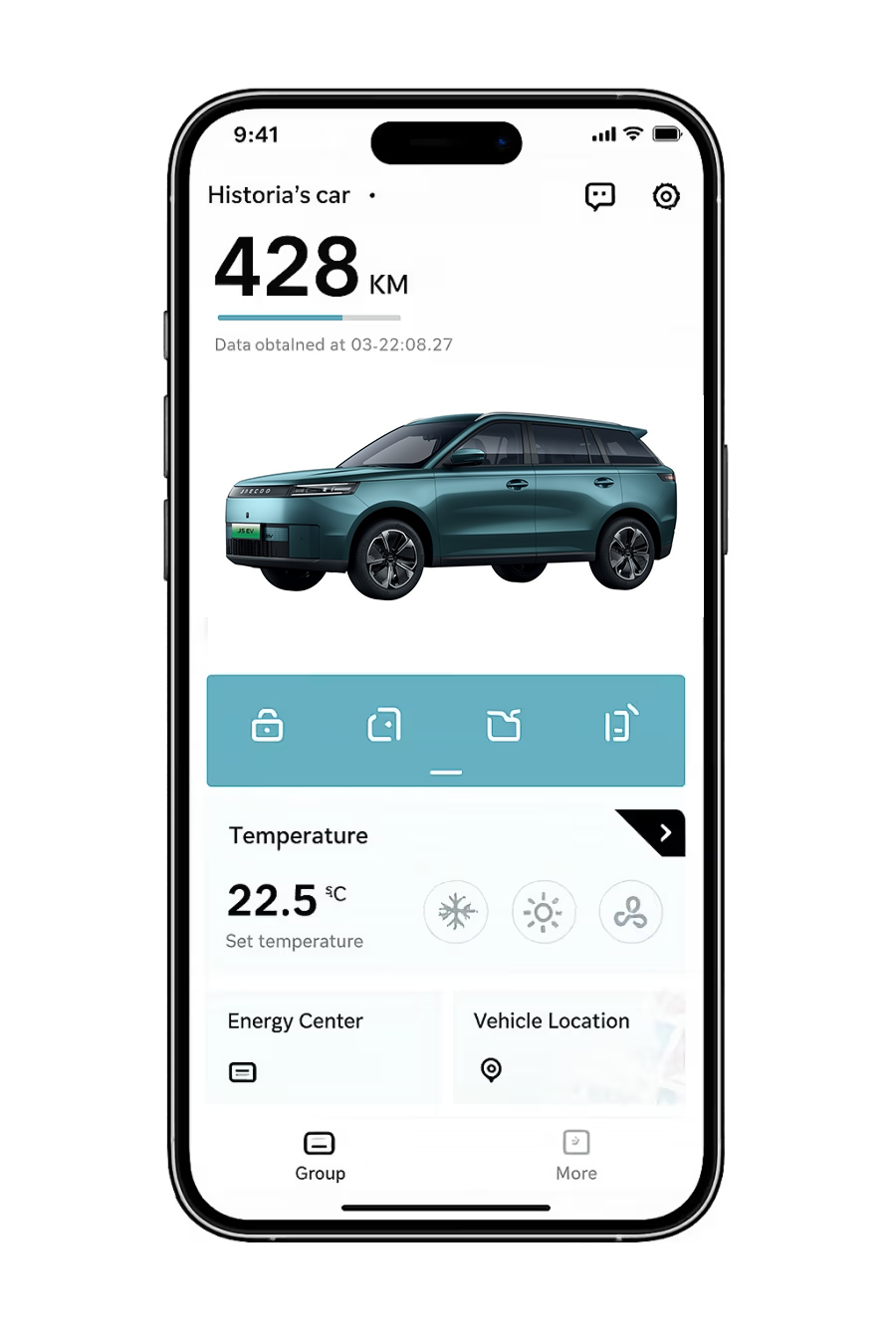
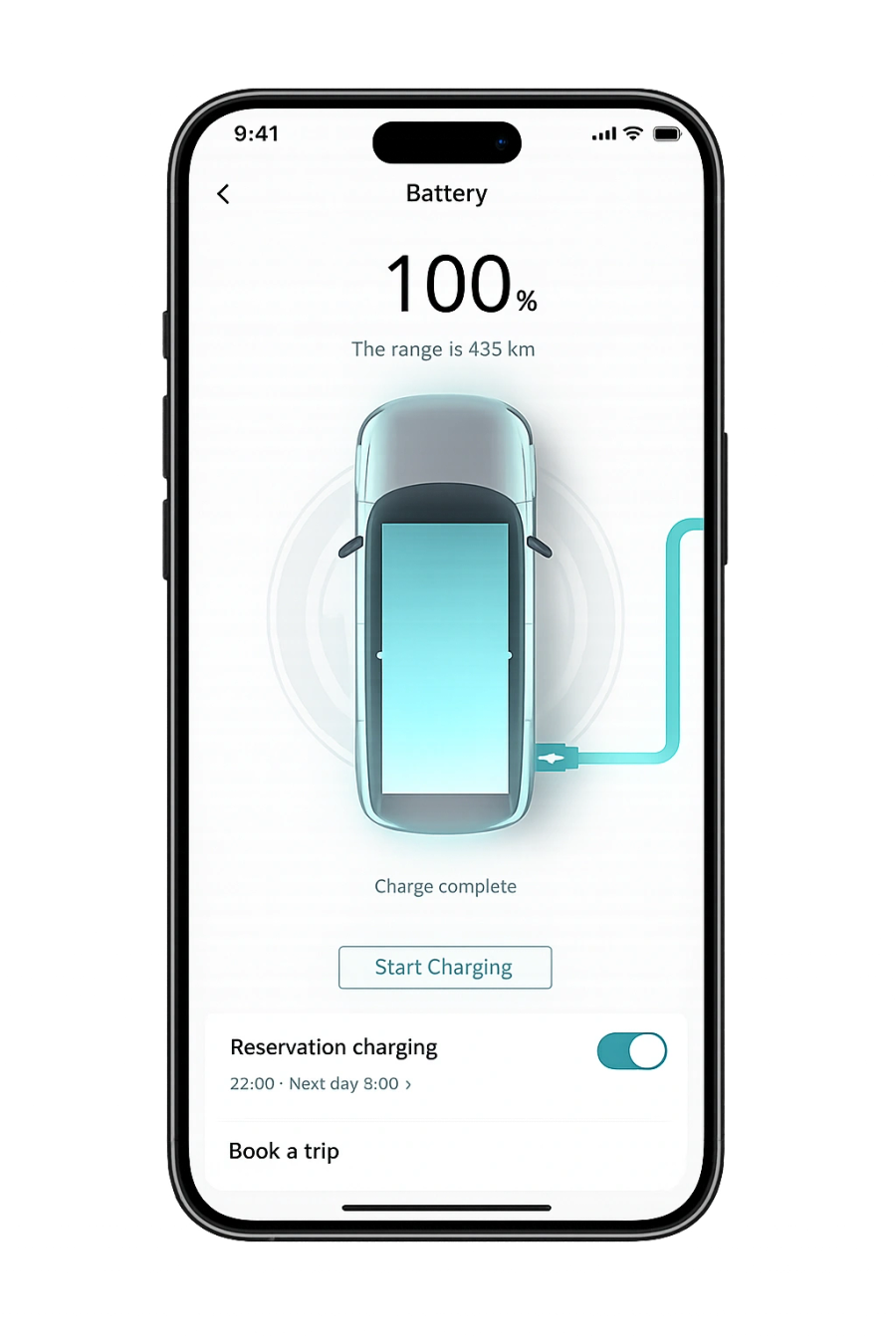
App screen showing battery and charging statusApp screen showing vehicle status and controls

App Notices

We are currently updating our app, and during this time some users may experience temporary disruption when logging in.

Our team is actively working to complete the update as quickly as possible. We will provide an update here once this has been finalised. Thank you for your patience and understanding.

Download the App

Use the QR code below to install the app and unlock features like remote start, climate control, vehicle status, and more.


QR code linking to the JAECOO app install page
Download on the App Store
Get it on Google Play

JAECOO App Features

The JAECOO app is your indispensable companion that helps you get the most of your JAECOO E5.
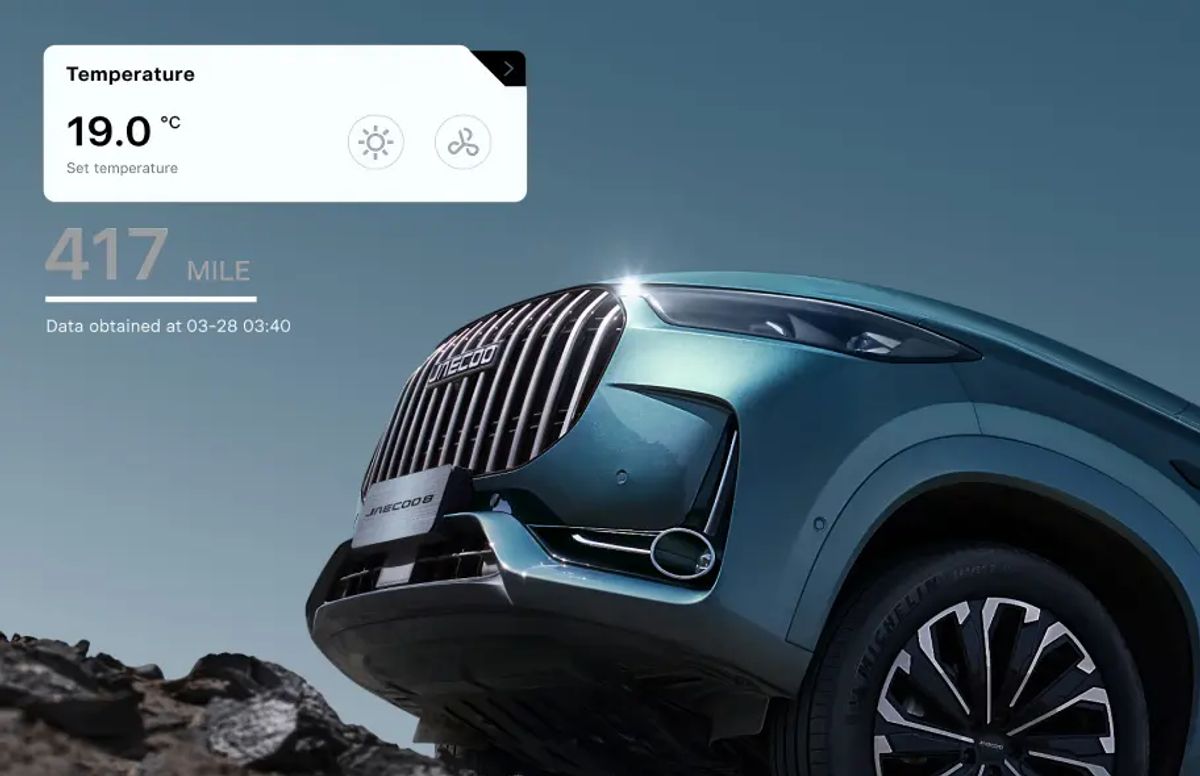
JAECOO app climate and range display over a JAECOO 8
01

Check The Vehicle Status

You can easily check the battery level and range, and internal temperature.
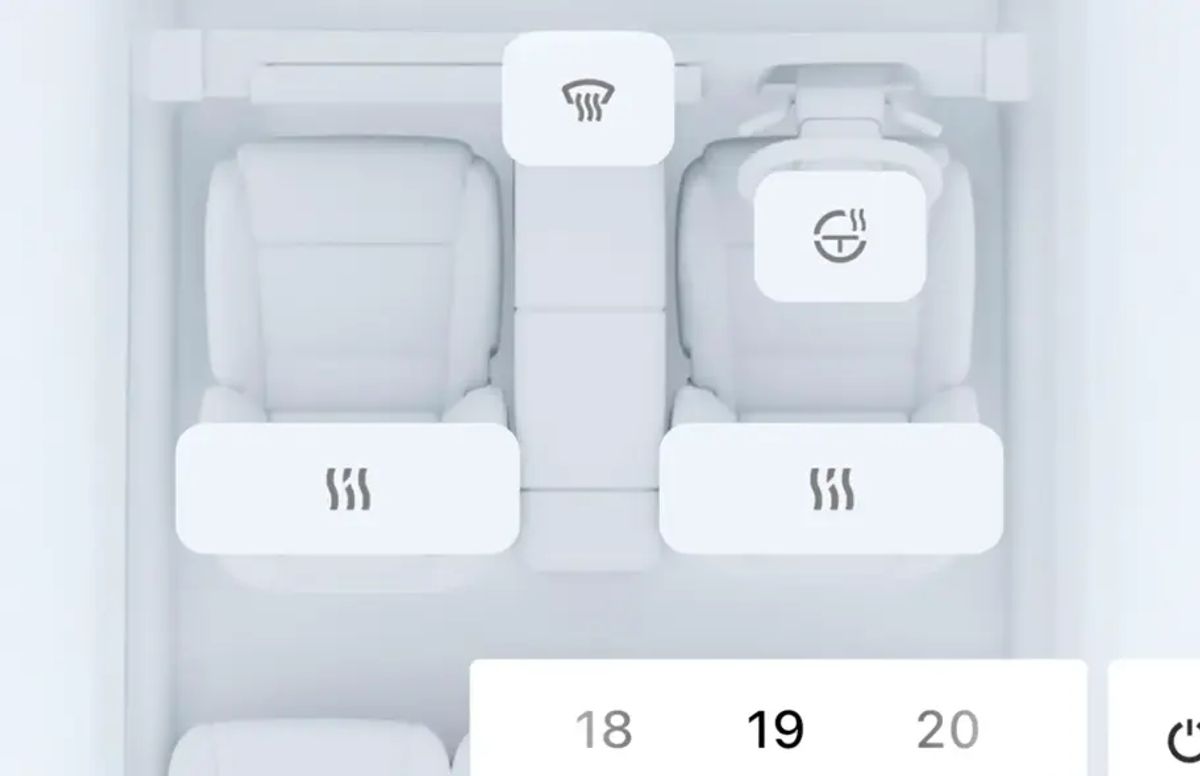
JAECOO app seat heating and climate controls
02

Pre Conditioning

Set the temperate and remotely activate the heated seats, heated steering wheel and windshield defogging and heating.
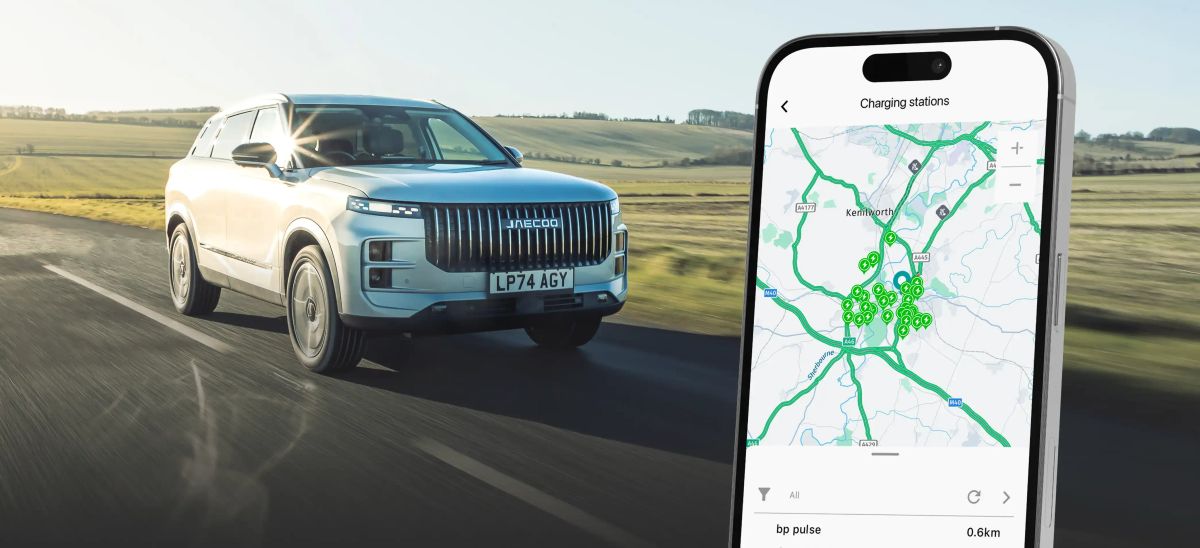
JAECOO SUV on the road with the app's charging station map on a phone
03

Tyre Monitoring

Check the pressure of all four tyres before you set off.

How To Use The App
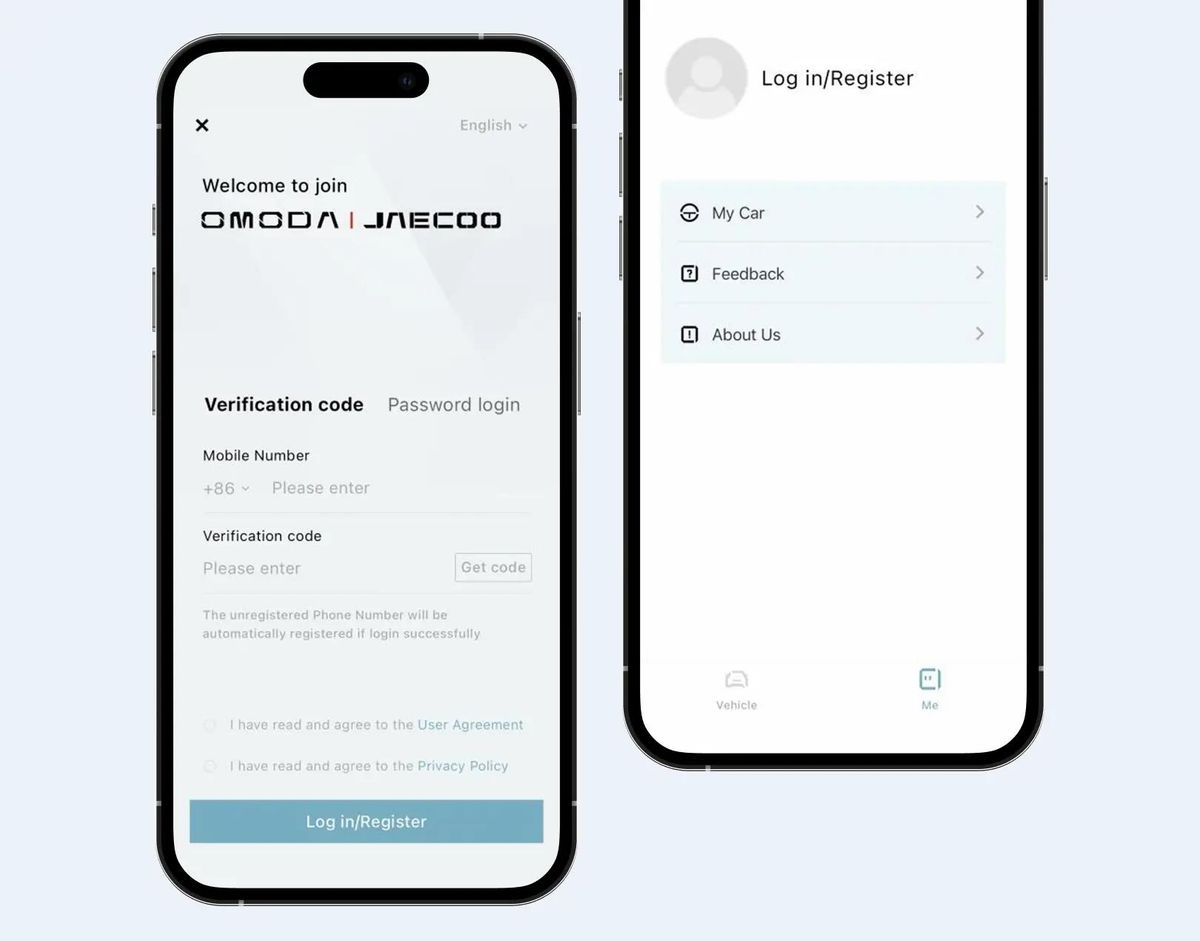
JAECOO app screenshot

App Launch

Start the registration process in the app.

  1. Open the vehicle control app
  2. Tap the Profile tab at the bottom
  3. First-time users see the login/registration screen
  4. Register with your mobile number and verification code
  5. After account creation, you're automatically redirected to the main interface
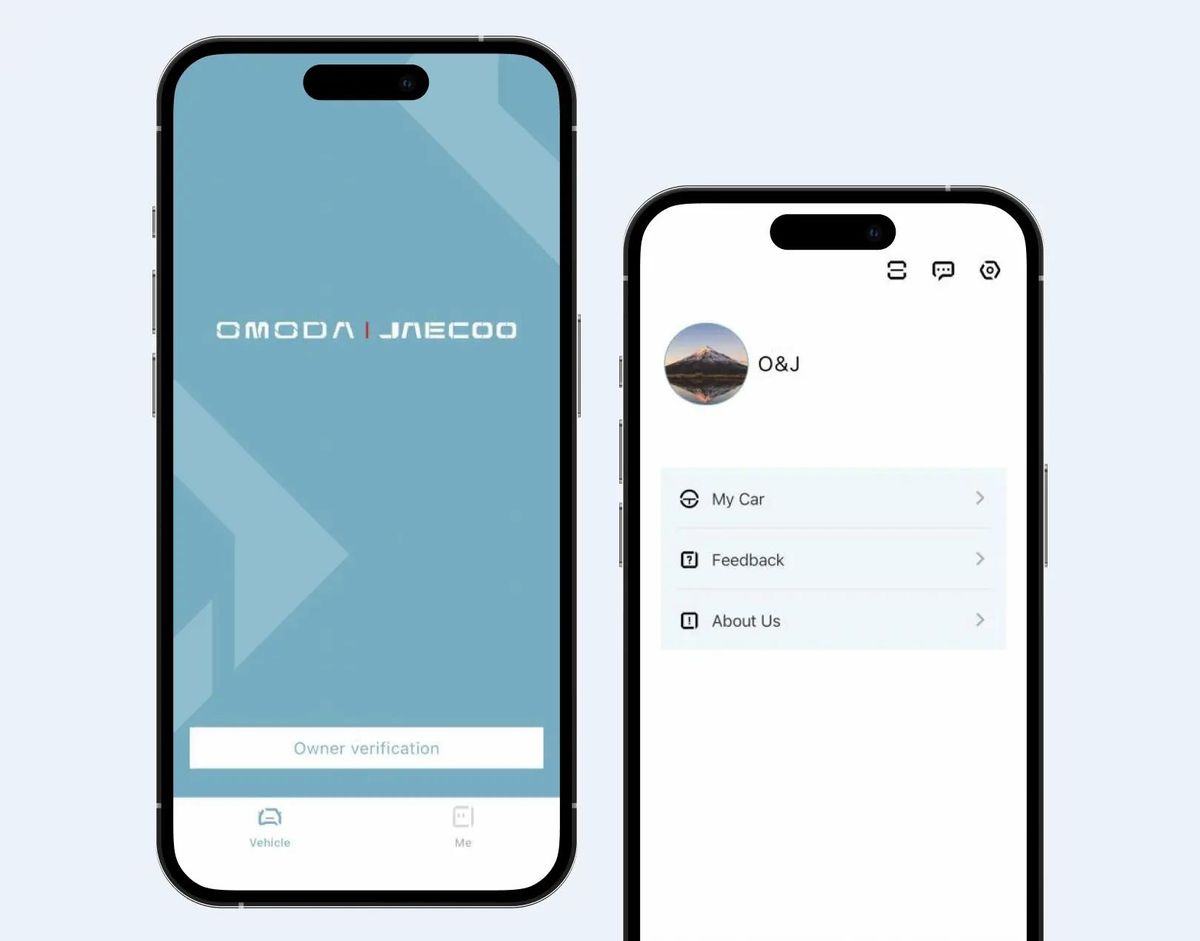
JAECOO app screenshot

Vehicle Verification

Link your vehicle to your new account.

  1. Open the vehicle list and choose Add a vehicle
  2. Scan the VIN or enter it manually
  3. Confirm the model details shown on screen
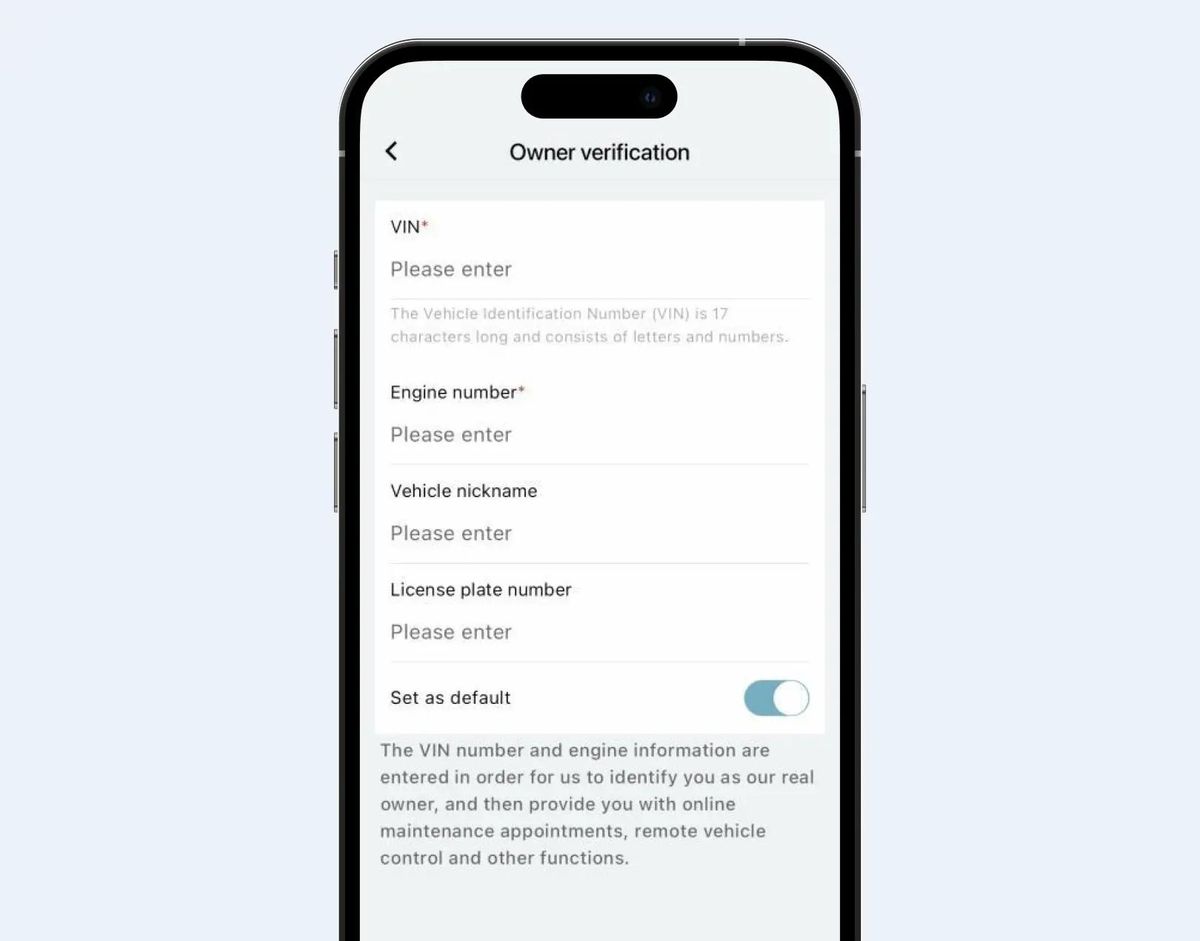
JAECOO app screenshot

Info Submission

Provide the details needed to activate remote services.

  1. Enter the registered owner information
  2. Upload the supporting documents requested
  3. Submit for verification and wait for confirmation
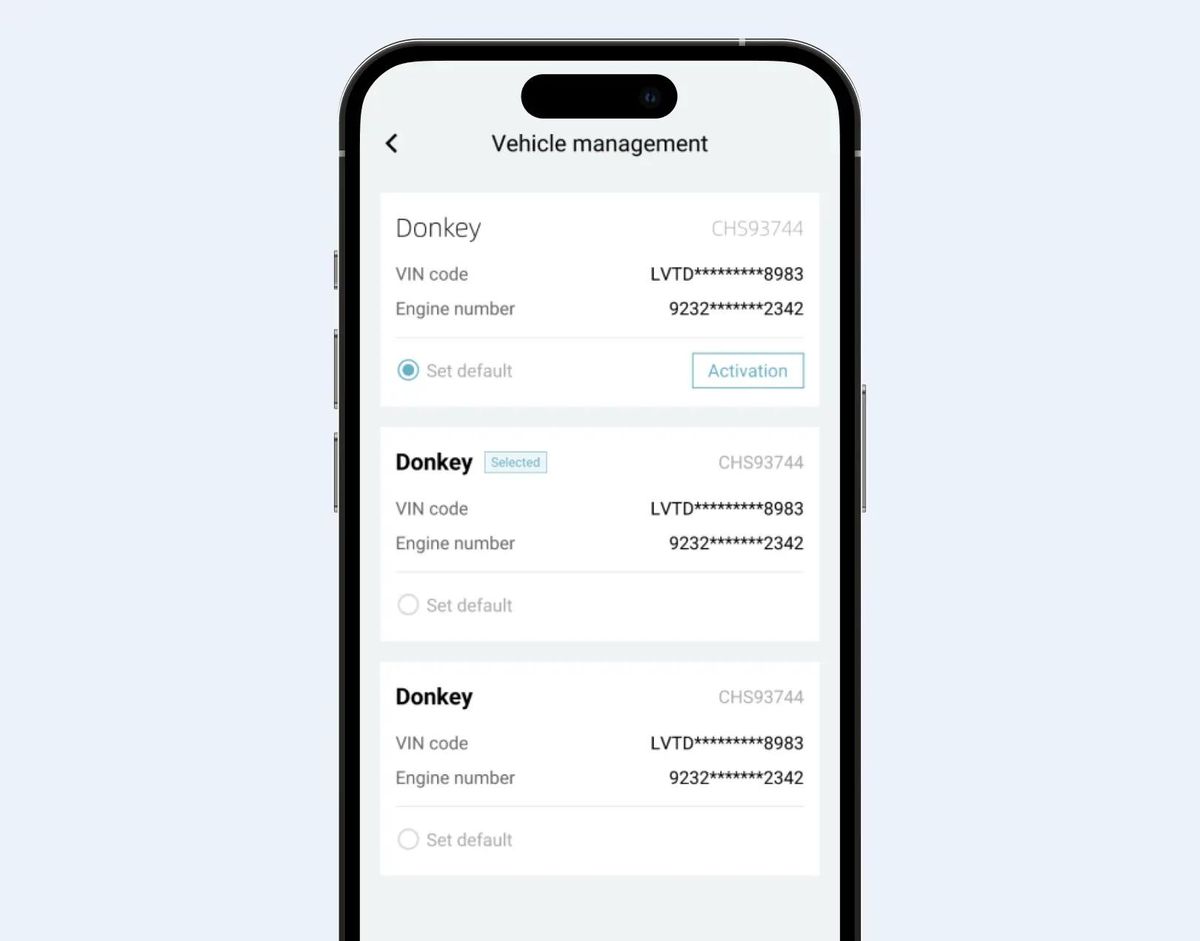
OMODA app remote control setup screen

Remote Control Setup

Enable remote features for your vehicle.

  1. Open the Remote Control menu
  2. Authorise the connection from inside the vehicle
  3. Test remote lock, climate and vehicle status
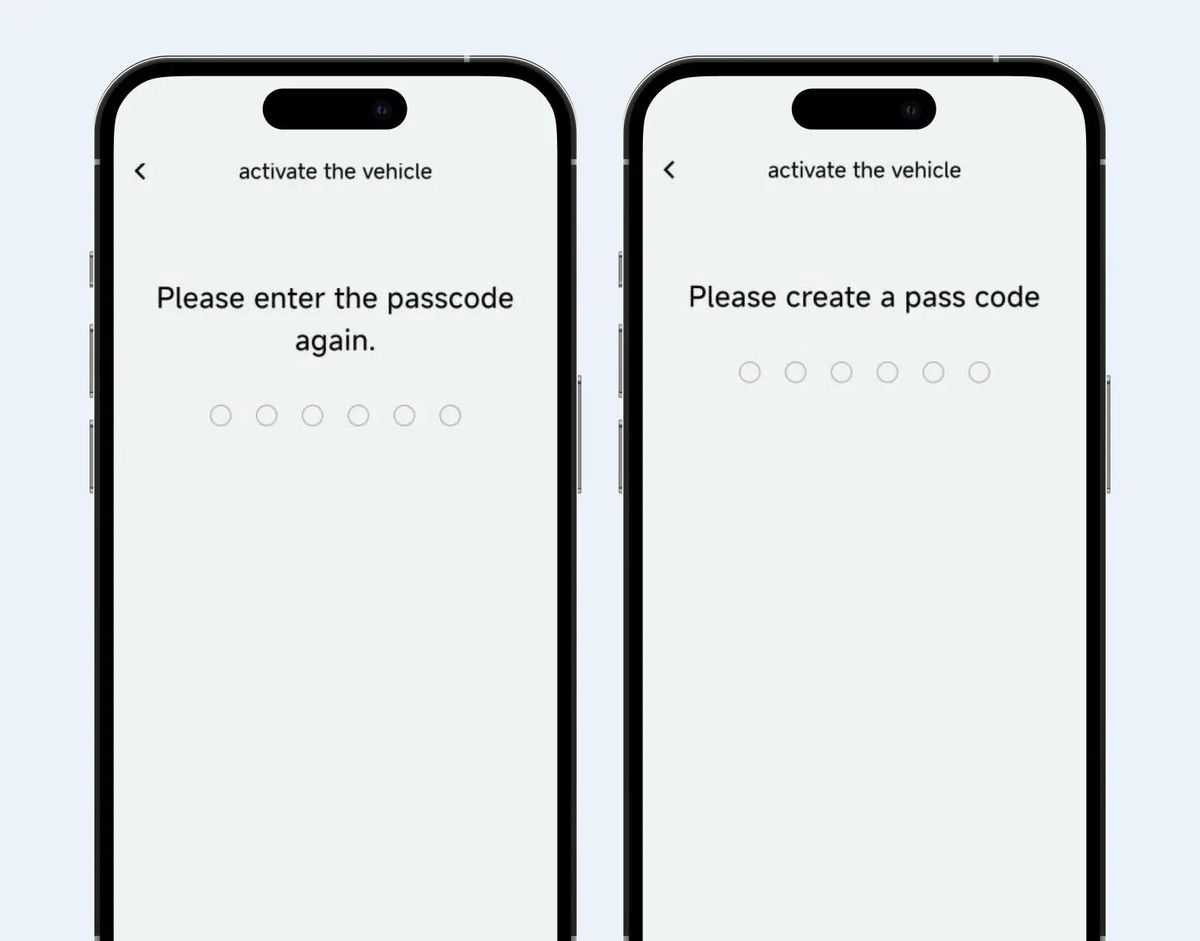
JAECOO app screenshot

Set Passcode

Secure remote commands with a personal passcode.

  1. Choose a six-digit security passcode
  2. Confirm the passcode to finish setup
  3. Use it to authorise sensitive remote actions

Frequently Asked Questions

What models are JAECOO Connect services available for?

This service is currently only available for EV and PHEV models.

How do I activate telematics car services?

First confirm whether your vehicle supports Telematics. Then download the supporting app, and follow the guidance in the app to activate the Telematics service by filling in the relevant information.

On which devices can I use the Telematics service?

Telematics services can usually be accessed and utilised through in-vehicle screens, smartphones and other devices. You can operate Telematics functions directly through the in-vehicle screen, or connect to the vehicle through the mobile app for remote control, vehicle status checks and other functions.

What specific features are included in the Telematics service?

Telematics services include real-time road condition information, navigation services, vehicle condition monitoring (door, window and climate status via the app), remote control of start-up, shut-down and air conditioning, vehicle diagnostics with fault warnings, and security services such as automatic collision assistance, roadside assistance, vehicle tracking and electronic fence alerts.

Is a subscription required to use Telematics services?

No — you can use Telematics services after linking your car and activating Telematics. Individual functions may require you to agree to the relevant notices and user agreements before use.

Are Telematics services available when the vehicle is used outside the EU?

Telematics services are temporarily unavailable for EU vehicles when the vehicle is used outside the EU.

How do I update the software of the Telematics system?

Many vehicles support over-the-air (OTA) upgrades, receiving and installing updates while connected to the internet. Some updates can be installed from a USB flash drive downloaded from the official website. If neither is supported, your dealer or service centre can carry out an in-store upgrade.

How can Telematics services help when a vehicle is stolen?

Prevention: use the electronic fence function so an alert is pushed to you when the vehicle enters or leaves the fence. Tracking: contact after-sales to enable stolen-vehicle tracking and monitor the vehicle’s location.

Which mobile network provides data services? Can I choose another network provider?

The vehicle uses a VDF SIM to provide data services, automatically selecting a local operator with a signed roaming agreement depending on the country and region. The system prioritises the local network provider with the strongest signal.

How does Telematics synchronise with my phone to provide real-time vehicle information?

The app automatically synchronises real-time vehicle information once you have activated the car in the app.

Are there special services for emergencies, such as medical assistance?

Every vehicle is equipped with the eCall function, which automatically triggers an emergency call in the event of an accident. You can also trigger an emergency call manually by long-pressing the SOS button on the top light for about three seconds. The local emergency service point provides rescue services.

Does the Telematics service support shared access by family members?

Yes. The basic service functions can be authorised to your family members or others — up to 10 people. Authorised functions include vehicle status queries and car control.

Does the Telematics service provide detailed tutorials or guides for its use?

A user manual is available in the vehicle. The app user manual is not yet integrated into the app and will follow in a future version.

Find A Retailer

Want a hands-on demonstration of the JAECOO app and connected features? Your nearest dealer will be happy to help.